Blur Faces in Photos Online
Every face is found and hidden automatically. Keep the ones you choose, blur the rest, never upload.
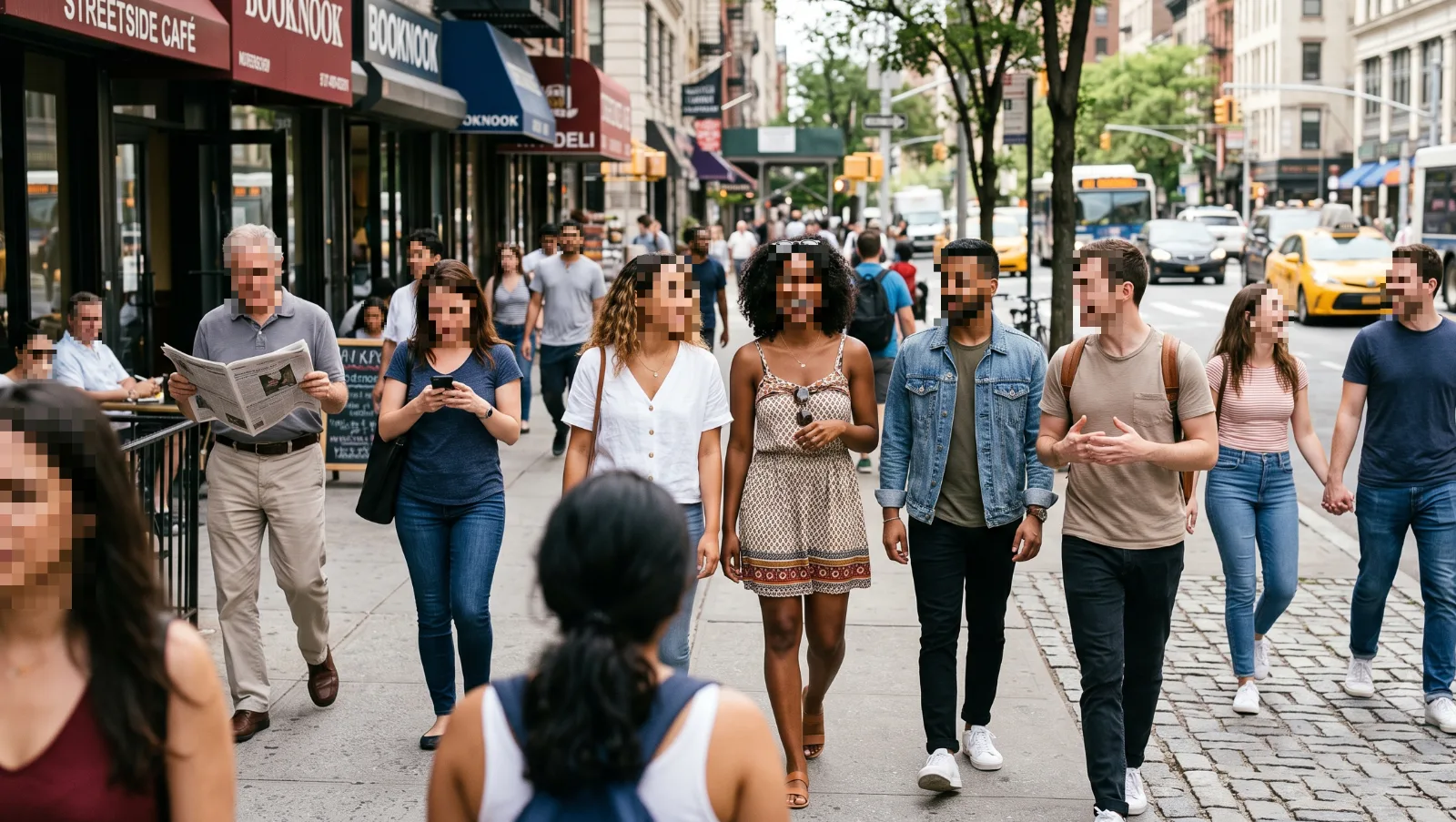
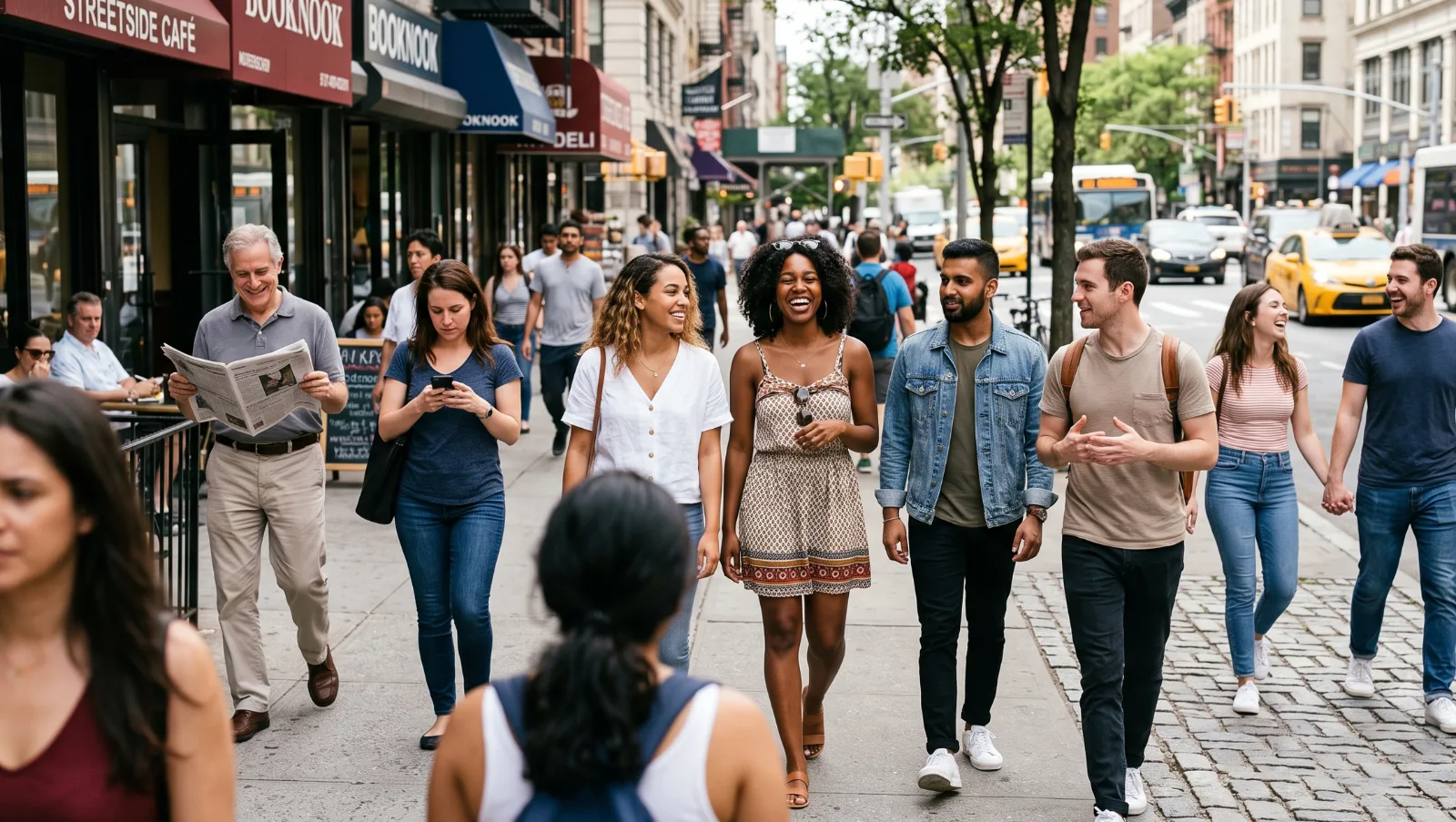
Every face in the crowd found and hidden in one pass.
How to blur faces in 3 steps
-
Choose your photo
One photo or up to 20. JPG, PNG, WebP and iPhone HEIC.
-
Check the detected faces
Toggle off faces you want to keep, resize boxes for hair and hoods, add any that were missed.
-
Download
Faces are rewritten into the pixels and GPS data is stripped from the file.
When to blur faces in a photo
Posting a photo with other people in it shares their faces too. Blurring is a quick way to respect that, and in some places it is a legal requirement.
- School, sports and birthday photos with other children
- Street and travel photography
- Protest and event coverage
- Workplace, conference and team photos
- Real estate and rental listing photos
- Evidence shared in community groups
Blur, pixelate or cover a face?
All three hide a face, with different looks and strengths:
- Pixelate (default). Large blocks, the classic news look. Hard to reverse.
- Blur. Softer and more natural. Fine for bystanders in the background, weaker for anyone who must stay unidentifiable.
- Solid cover. A plain box. Strongest option, best for sources and evidence.
Switch styles and strength in the editor sidebar at any time before downloading. For more detail on why soft blur is risky, see can blurred images be unblurred.
Hide everyone except yourself
A common case: a selfie or group shot where you want to post yourself but not the people around you. After detection, every face appears in the sidebar list. Turn off protection on the faces you want to keep, and the rest stay hidden.
Blur faces on iPhone and Android
- Open this page in Safari or Chrome.
- Tap Choose photos and select from your camera roll.
- Review the highlighted faces and tap Download.
Nothing is installed and nothing is uploaded. The detector runs inside the browser tab.
Privacy
Your photo is processed inside this browser tab. The original, the detected areas and the exported file are never sent to a Pixhide server.
Good to know
Faces in profile, in deep shadow, very small or partly covered can be missed. Always zoom in on the preview before you share. Batch mode handles up to 20 images per selection. There is no daily quota, so you can start the next batch right away.
Ready to try it on your own photo?
Choose photosFrequently asked questions
How do I blur faces in a photo online?
Open the photo here. Every face is detected and covered automatically. Turn off any face you want to keep visible, then download. It takes a few seconds and the photo never leaves your device.
Can I keep some faces visible?
Yes. Each detected face has its own toggle in the sidebar, so you can keep yourself or your family visible and hide everyone else.
Does it find every face?
It finds most faces, including small ones in crowds. Faces in profile, heavily shadowed or partly covered can be missed. Zoom in on the preview and add a manual box if needed.
Is blur or pixelation better for hiding a face?
Strong pixelation hides more and is harder to reverse than a soft blur. Pixhide pixelates by default, and you can switch to blur or a solid box in the sidebar. For a locked-in mosaic look, use pixelate face.
Can I blur faces in many photos at once?
Yes. Drop up to 20 photos, faces are blurred in each one, and you download a ZIP.
Does it work on iPhone and Android?
Yes, in modern mobile browsers. iPhone HEIC photos are supported. Large group photos can take a few extra seconds on older phones.
Are my photos uploaded?
No. Face detection runs in your browser with a small on-device AI model. Pixhide never receives your photo.