Blur Faces & License Plates Online
Pixelate faces and plates, redact text, and strip GPS data. Runs in your browser, so photos never leave your device.
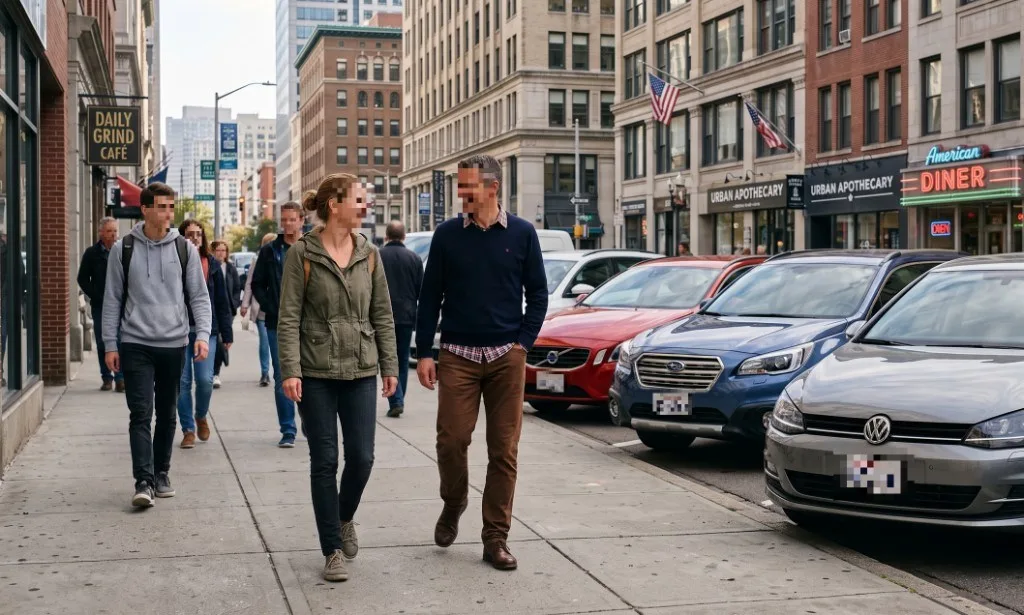
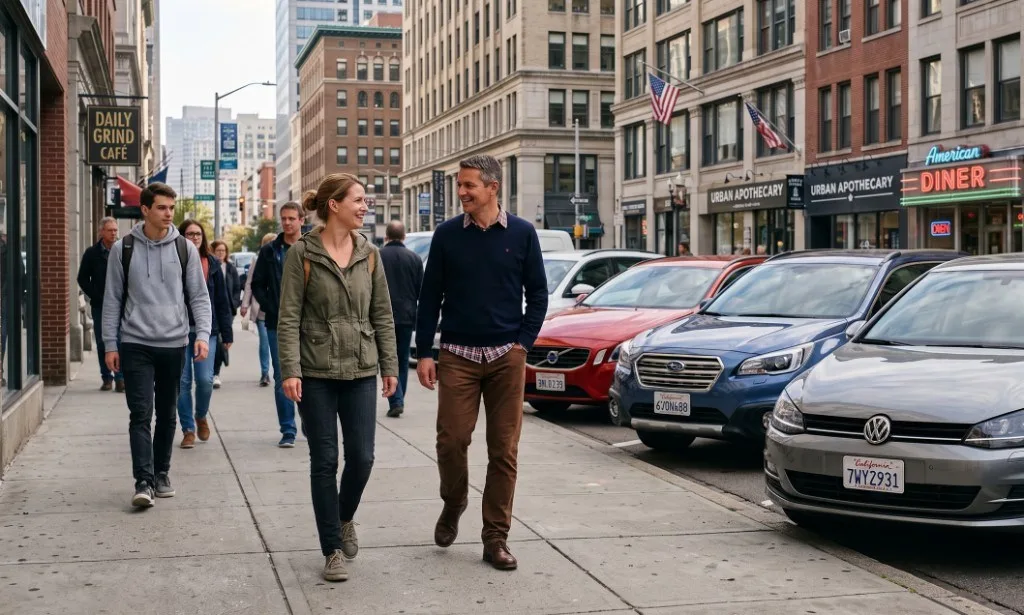
7 faces and 3 plates found and pixelated automatically. Drag to compare.
Everything a photo can give away, handled in one place
Faces and plates you can see. Location, device and time you cannot. Pick the tool that matches what you are about to share.
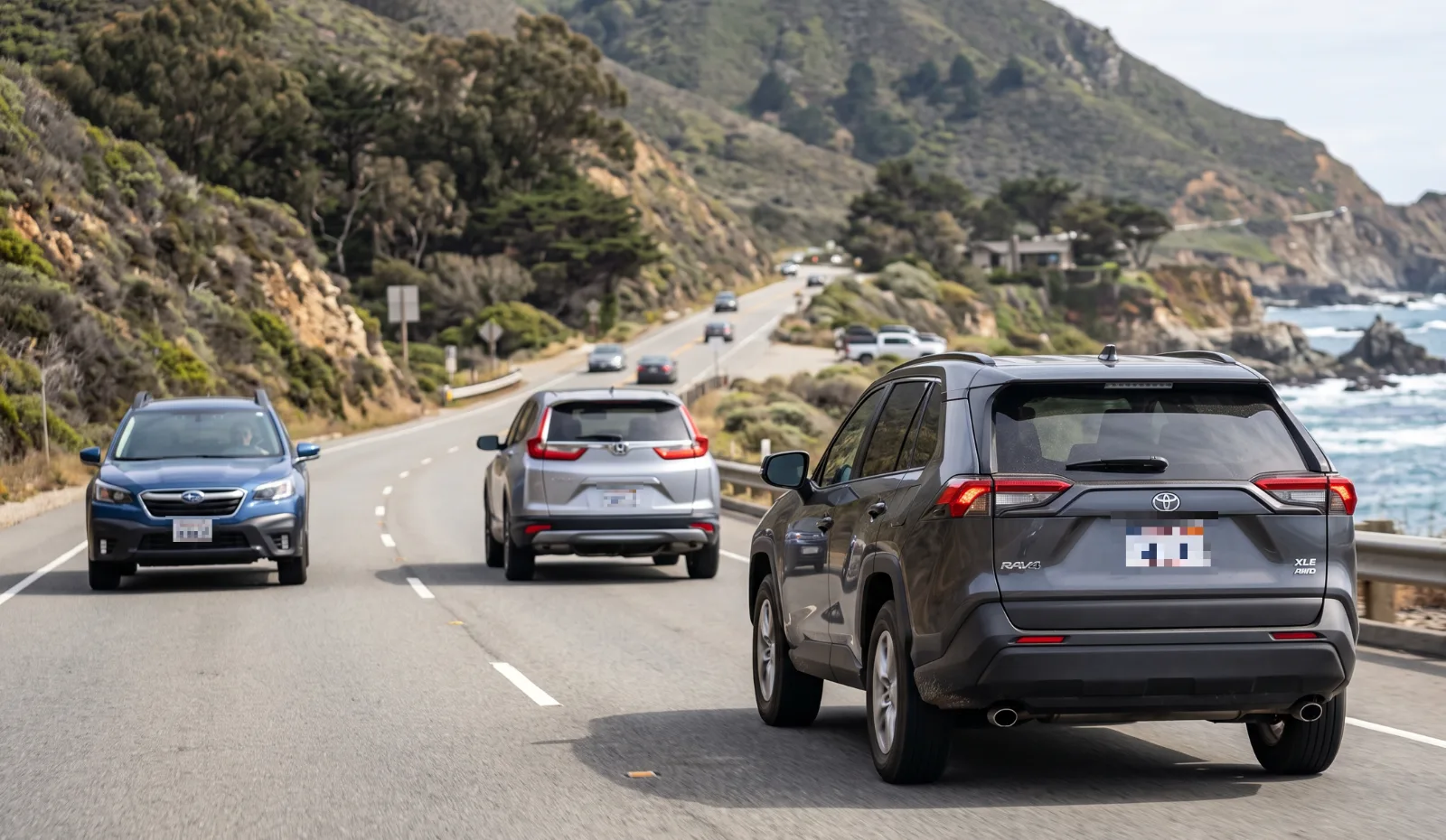
Blur license plates
Plates are found automatically, even in bulk. Drop 20 car photos and download them as one ZIP.
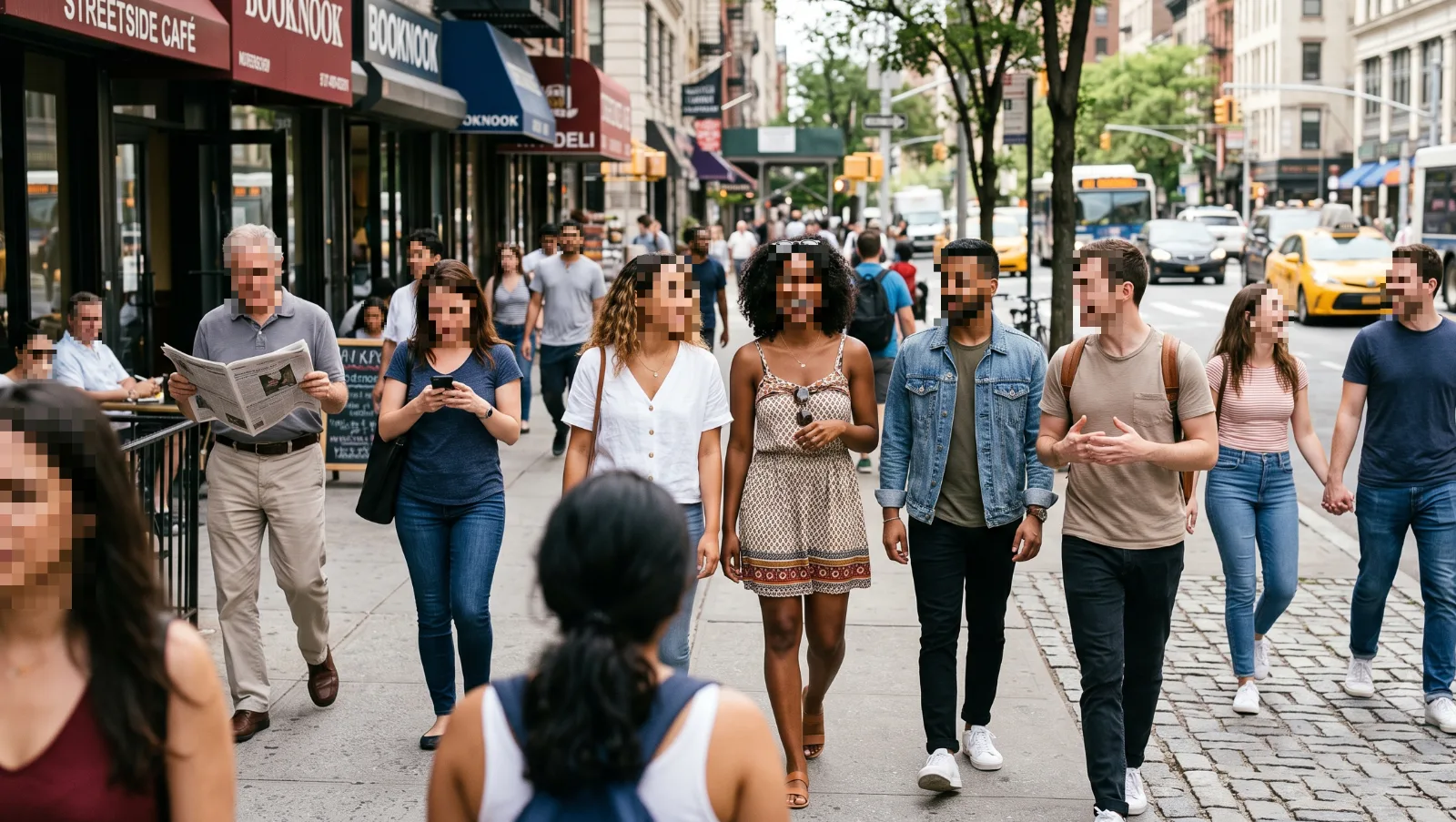
Blur faces
Every face in group, school and street photos, with a toggle for the ones you want to keep.
Redact screenshots
Solid boxes over names, emails and numbers that cannot be undone.
Remove EXIF data
Strip camera, date and serial tags from JPG, PNG and HEIC.
Remove GPS location
See if a photo reveals your home address, then remove it.
Why Pixhide pixelates by default
Blur, pixelate or black out?
A light blur keeps the shape of every character, and deblur tools feed on that. Strong pixelation and solid cover throw the detail away for good.
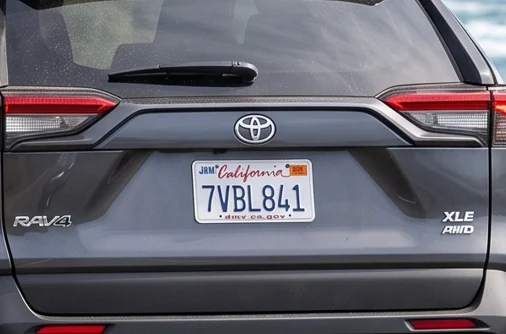
Readable by anyone who zooms in.
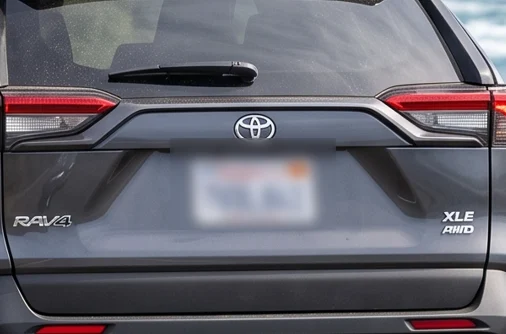
Looks hidden, but character shapes can survive.
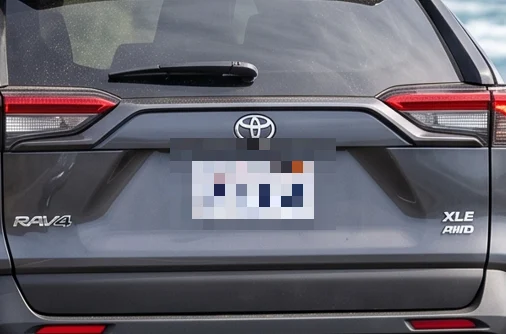
Large blocks, nothing left to sharpen.
Best for documents and text.
Detection does the work. You make the call.
Every face and plate is highlighted before anything is changed. Keep, remove or resize each one, then add your own boxes for anything else.
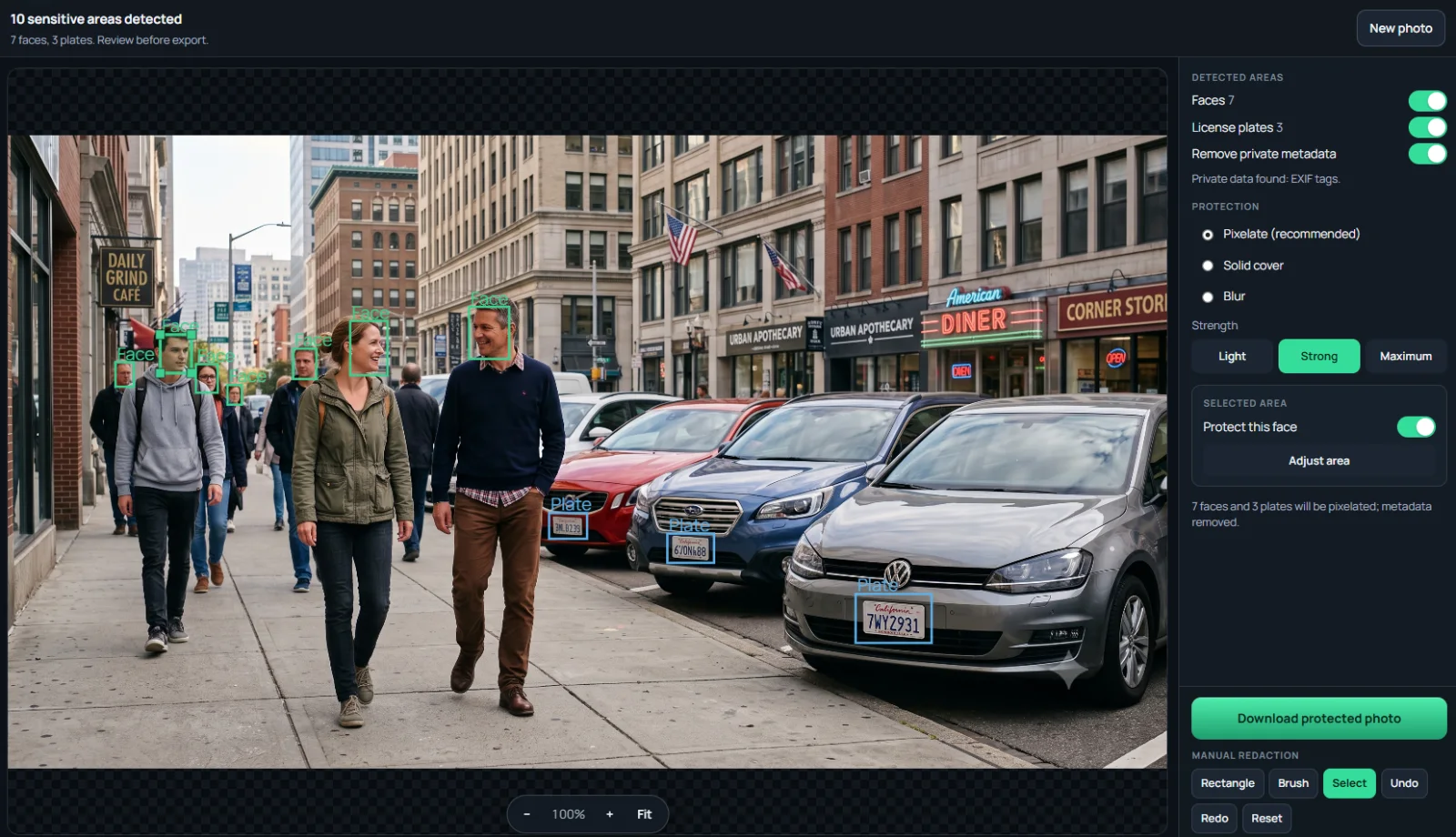
- On-device AI detectionFace and plate models run in your browser with WebAssembly.
- Manual box and brushCover text, tattoos, house numbers or anything detection misses.
- Batch of 20, ZIP outProtect a whole listing or album in a single pass.
Private by design, not by promise
Most online blur tools upload your photo to process it. Pixhide ships the detector to you instead, so the photo you are trying to protect never leaves your device.
- UploadsPhotos stay in browser memorynever
- Account or emailOpen the page and startnot needed
- WatermarkYour export is yoursnone
- Server-side processingDetection runs on your device with WebAssemblynone
- TrackingAnonymous usage counts, no tracking cookiesminimal
Made for the photos people actually share
Questions, answered
Still unsure? The guides go deeper on blurring, redaction and metadata.
Is Pixhide really free?
Yes. Every tool is free with no account, no watermark and no daily quota. Batch mode handles up to 20 images per selection, and you can start another batch right after.
Are my photos uploaded to a server?
No. Face and plate detection, redaction and metadata removal all run inside your browser on your own device. The original photo and the protected copy never travel to Pixhide.
Should I blur or pixelate a license plate or face?
Use pixelate or solid cover. Soft blur with a small radius can sometimes be partially reversed, while strong pixelation and solid boxes throw the original detail away. Pixhide pixelates by default. Read can a blurred license plate be unblurred for the details.
Can I blur license plates in many photos at once?
Yes. Drop up to 20 photos and Pixhide detects and pixelates plates and faces in each one, then gives you a ZIP download. See bulk license plate blur.
Does Pixhide remove EXIF data and GPS location?
Yes. Every export is re-encoded without EXIF, GPS, device and timestamp tags. If you only need to clean metadata, use the EXIF remover or remove GPS from photo tools.
Does it work on iPhone and Android?
Yes, in any modern mobile browser. JPG, PNG, WebP, HEIC and HEIF are supported, including iPhone photos, with no app to install.
Guides worth reading before you post
- 6 min read Can a blurred license plate be unblurred? What deblur tools can and cannot recover, and which redaction style actually holds up. Read the guide
- 5 min read Why do people blur license plates? The real risks of posting a readable plate, and when blurring it is worth it. Read the guide
- 7 min read How to remove EXIF data on iPhone, Android, Windows and Mac Built-in steps for every device, what each method misses, and a one-click option. Read the guide
- 5 min read Can a redacted image be unredacted? How redactions fail in screenshots and PDFs, and how to make one that cannot be reversed. Read the guide
Protect your next photo in seconds
Free, private and ready in your browser.