Redact Image Online
Black out names, emails and numbers in screenshots and photos. Solid boxes, merged into the pixels, impossible to undo.
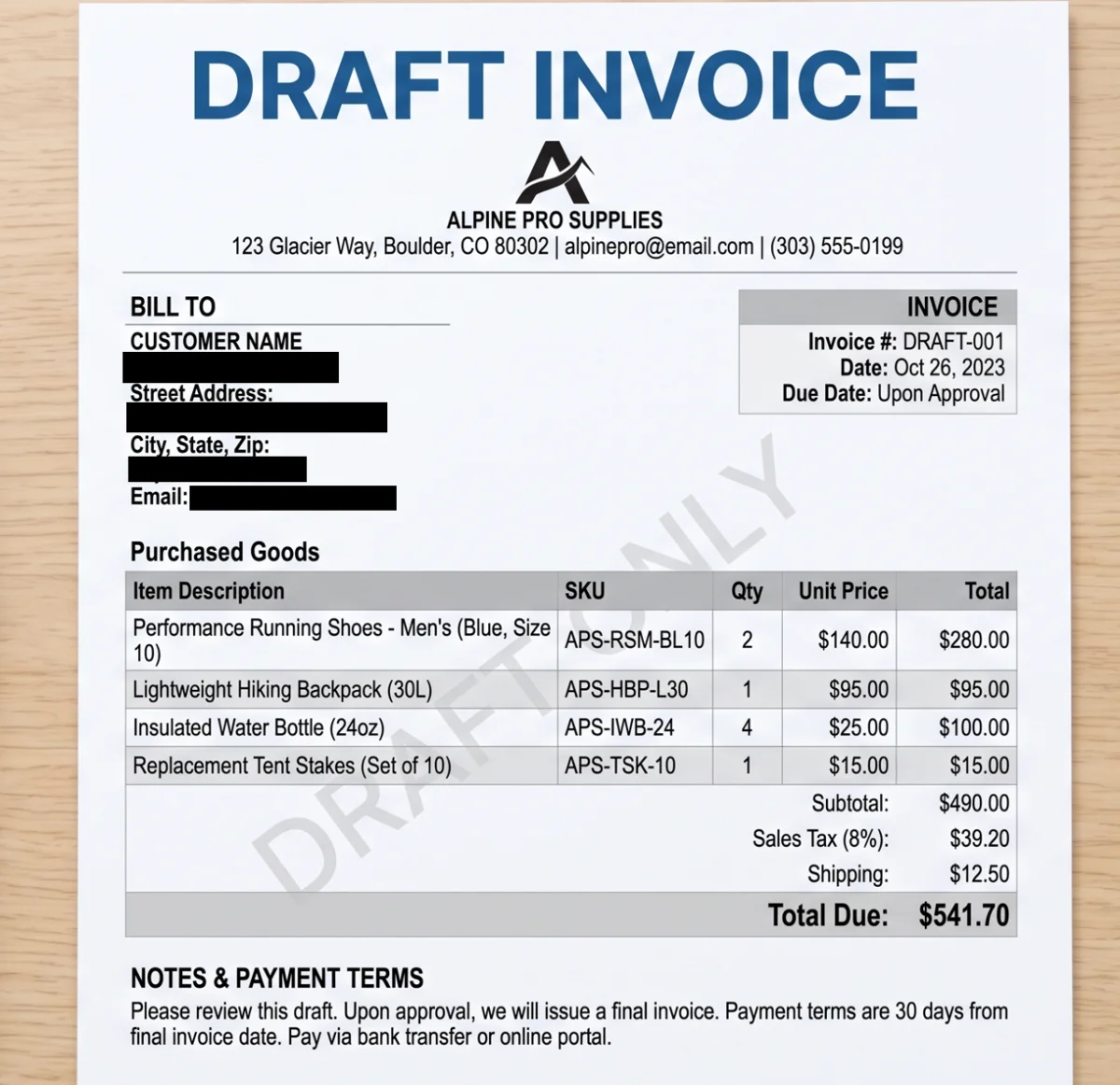
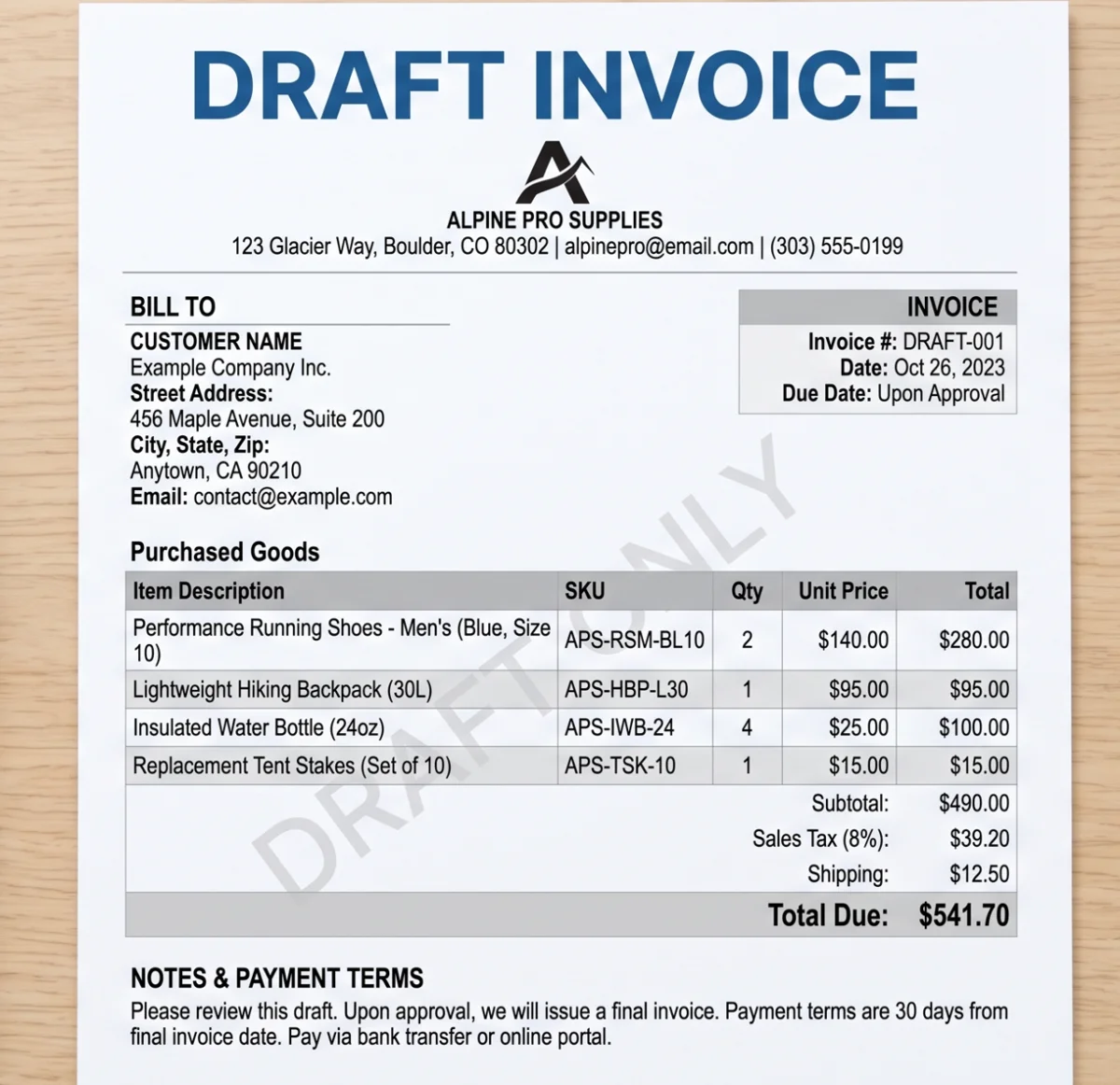
Personal details covered with permanent solid boxes.
How to redact an image in 3 steps
-
Open or paste the image
Screenshots, scans, photos of documents. JPG, PNG, WebP and HEIC.
-
Drag boxes over the details
Use the box for text and the brush for odd shapes. Solid black is the default.
-
Download the redacted file
Covers are merged into new pixels and metadata is removed.
What image redaction means
Redacting an image means permanently removing information from it before you share it. In practice that is a solid box over a name, an account number or a face, where the original pixels under the box are gone and not just hidden.
- Screenshots for support tickets and bug reports
- Chat and email screenshots shared publicly
- Invoices, receipts and bank statements
- ID cards, passports and boarding passes
- Shipping labels and package addresses
- Medical, legal and HR documents
Blur is not redaction
For text, always use a solid box. Blur and light pixelation keep the outline of characters, and with a limited set of possibilities, like digits in an account number, those outlines can be matched back to the original.
Pixhide offers blur and pixelate for photos, but this page starts in solid mode with maximum strength for exactly this reason. See the difference on a license plate in blur vs pixelate vs solid.
Can a redacted image be unredacted?
Real redaction failures usually come from the method, not the box:
- Layers. A black rectangle drawn in a PDF editor or design tool can be moved or deleted by the recipient.
- Highlighters. A semi-transparent marker in a phone markup tool can be brightened until the text shows.
- Weak blur. Software can test candidate text against a blurred region.
- Leftover metadata. The embedded thumbnail inside a file can still show the original.
Pixhide avoids all four. Covers are opaque, merged into a freshly encoded image, and the export drops embedded thumbnails and metadata. Details in can redacted images be unredacted.
How to redact a screenshot
- Take the screenshot as usual.
- Open this page and press Ctrl+V (or Cmd+V on Mac) to paste it.
- Drag a box over each name, email, phone number or avatar.
- Press Download. You get a clean PNG, ready to share.
Need to hide faces in a photo instead? Blur faces finds them automatically.
Privacy
Your photo is processed inside this browser tab. The original, the detected areas and the exported file are never sent to a Pixhide server.
Good to know
This page does not detect anything automatically, on purpose. For photos with people or cars, use Anonymize a photo to find faces and plates for you.
Ready to try it on your own photo?
Choose imageFrequently asked questions
How do I redact an image online?
Open the image or screenshot on this page, drag a box over each sensitive area, and download. The boxes are solid black by default and are merged into the pixels, so the result cannot be reversed.
Can I redact a screenshot?
Yes. Paste it straight from your clipboard with Ctrl+V or Cmd+V, cover names, emails, numbers or faces, and download a PNG.
Can a redacted image be unredacted?
Not when the cover is solid and merged into the pixels, as Pixhide does. Redactions fail when they are a separate layer, a semi-transparent highlighter, or a weak blur. See can redacted images be unredacted.
Is blurring text a safe way to redact it?
No. Blurred or lightly pixelated text can often be guessed, especially numbers. Use solid cover for text. Keep blur for backgrounds and faces where the shape is not the secret.
Does the tool detect text automatically?
No. You choose what to cover with the box and brush tools. That keeps you in control and means no text recognition service ever sees your image.
Is the original image uploaded?
No. Redaction happens on a canvas in your browser. The export also strips metadata, so the redacted file does not carry GPS or device data.
Is it free?
Yes, with no account and no watermark on the redacted image.